Billing for events and snack counters
Pop-up counters that bill all day, signal or not
For food stalls at events, fairs and college fests, and snack counters at cinemas and gaming zones. An Android tablet and a Bluetooth printer make a counter; add another when the queue grows.
- A tablet and a Bluetooth printer: a counter anywhere
- Billing, tokens and reports work offline
- Your menu from an Excel sheet in one go
- Extra counters for the rush, in one bill series
How it works
A day at the stall
Set up the counter
Import your menu from the Excel sheet, pair the Bluetooth printer, and the counter is ready.
Bill the crowd
Quick bills with token numbers: cash, UPI or card, and the KOT goes to the kitchen.
Close the day
Count the cash, see what sold, and keep a backup before you pack up.
What you get
Made for busy, temporary counters
No signal needed
Bills, tokens, printing and reports work without the internet.
Extra counters
Add another tablet or PC as a second counter; all bills stay in one series.
Tokens on a TV
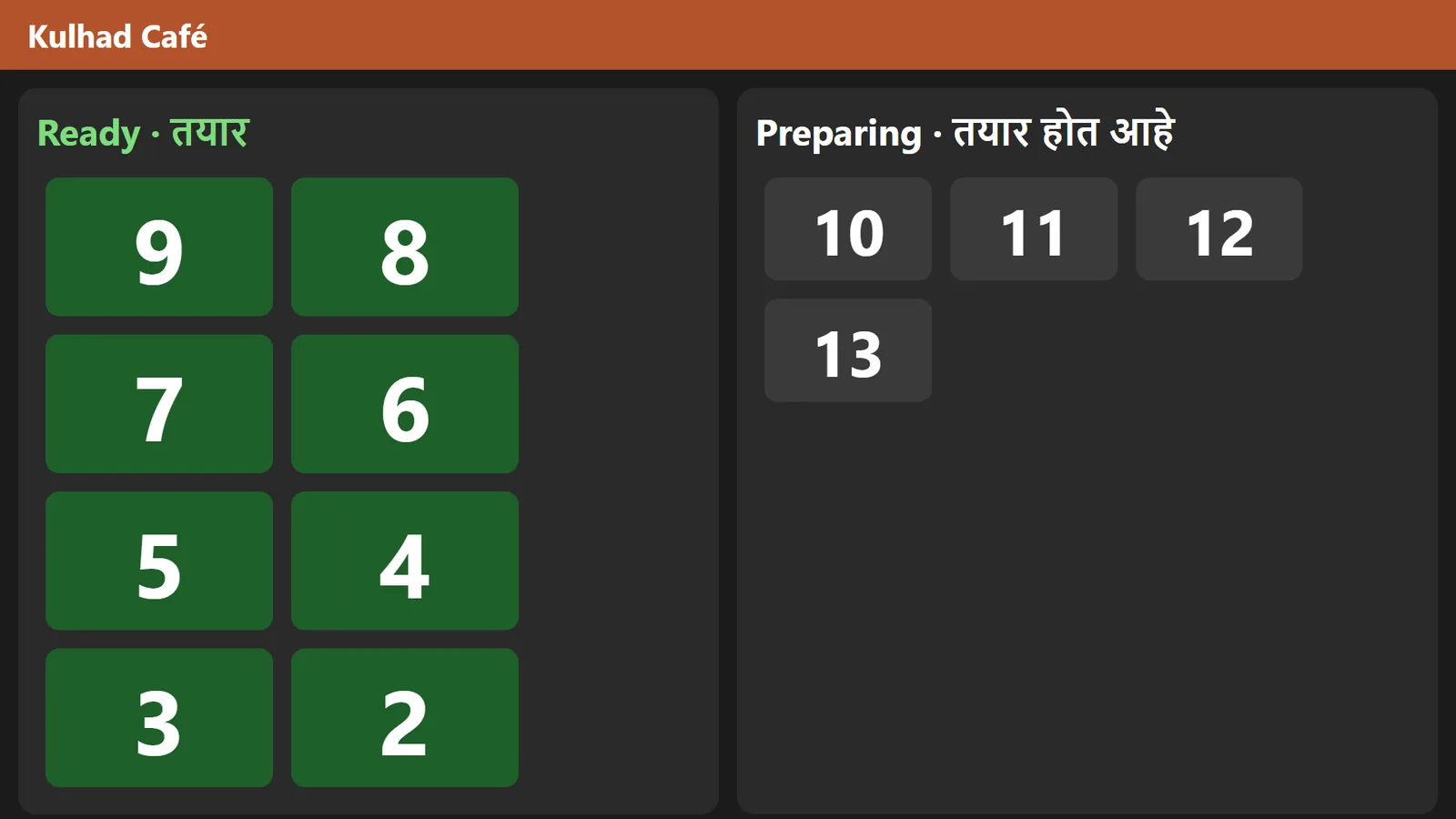
A TV or a spare phone on the same Wi-Fi shows the tokens being made and the ones ready.
Menu in Excel
Fill in the menu sheet once and import it; change prices there and import again.
Day by day
Close each day with a cash count and see that day’s sales, item by item.
Every stall on one phone
Running several stalls? Link your phone at each one and see their sales side by side.
What you need
A counter in a bag
- An Android tablet or a Windows PC for each counter
- A thermal printer: Bluetooth for a tablet, USB or network for a PC
- For a second counter or a TV board: a small Wi-Fi router so the devices see each other
The plan that fits
Counter
₹4,999 a year for each outlet
Quick bills with tokens, extra counters, the TV board, GST bills and twelve reports. Running a one-off event? Talk to us and we will suggest what fits.
Every feature of the plan is included. Start with a 30-day free trial on your own PC or tablet.
Questions from event organisers
Can we use it for a three-day event only?
Talk to us. The yearly plan suits counters that run all year, like cinema and gaming-zone counters; for a one-off event we will suggest what fits.
What do we need to set up a counter?
An Android tablet or a Windows PC, a thermal printer, and your menu in the Excel sheet. The setup wizard has five short steps.
Does a fair ground need Wi-Fi?
Not for billing: a tablet with a Bluetooth printer bills on its own. A second counter or a TV board needs the devices on one Wi-Fi network, such as a small router.
Can I see the sales of several stalls on one phone?
Yes. Each stall is its own outlet; link your phone at each stall’s billing device and see every stall’s sales side by side while they are online.
Also made for
See it at your own counter
Tell us about your outlet and we will show you a bill, a KOT and the day-end report.